What pMCPg does
One connection between your AI apps and the tools they use, with your keys and data kept on this computer.
pMCPg (Private MCP Gateway) runs on your computer. It sits between your AI apps and the MCP servers that give them tools: email, files, tickets, search.
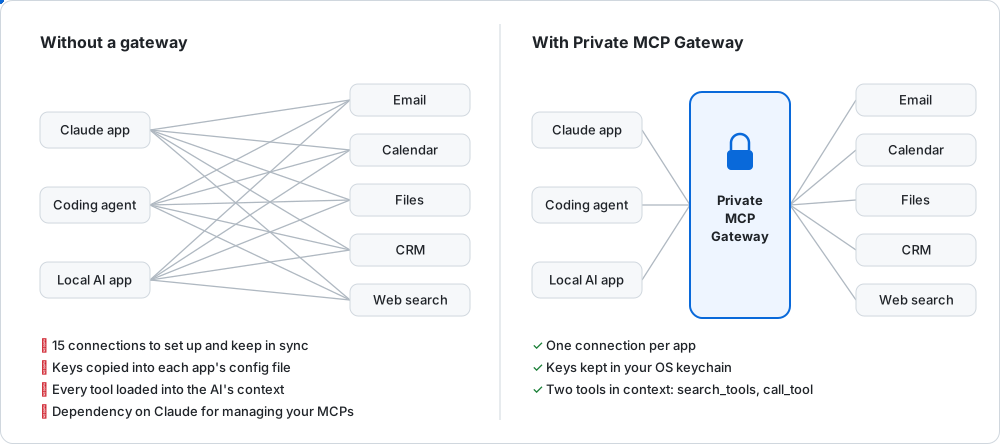
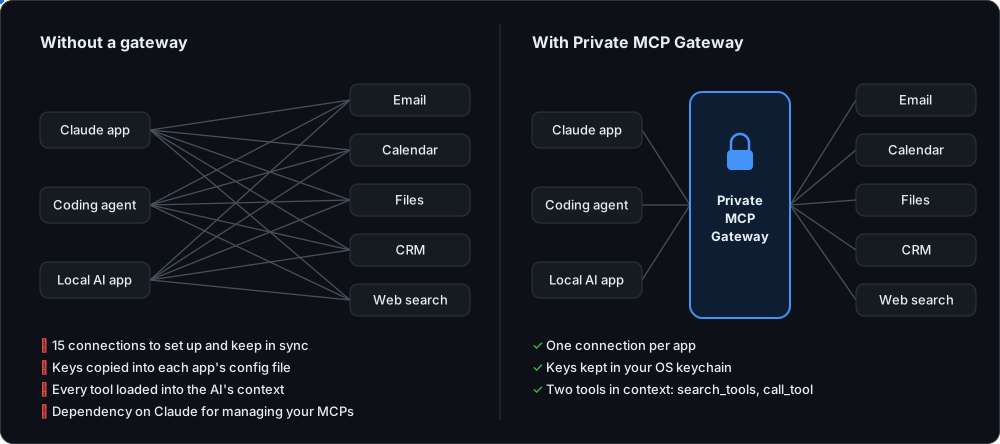
Without it, each AI app connects to each server on its own, with its own copy of every key. With it, each app connects once, to pMCPg.
What it does for you
- One connection. Add a server once in pMCPg. Every connected AI app can use it, with no change to the app.
- Keeps your keys. Sign-ins and API keys are stored encrypted on this computer. The AI app and the AI model never see them.
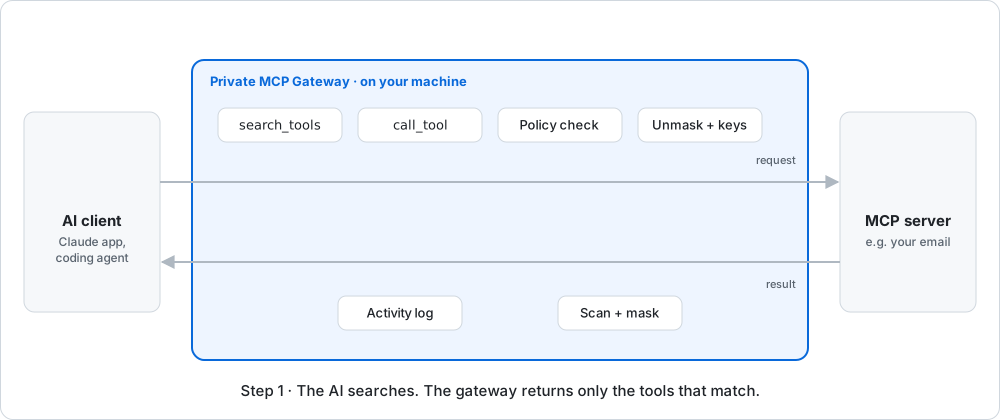
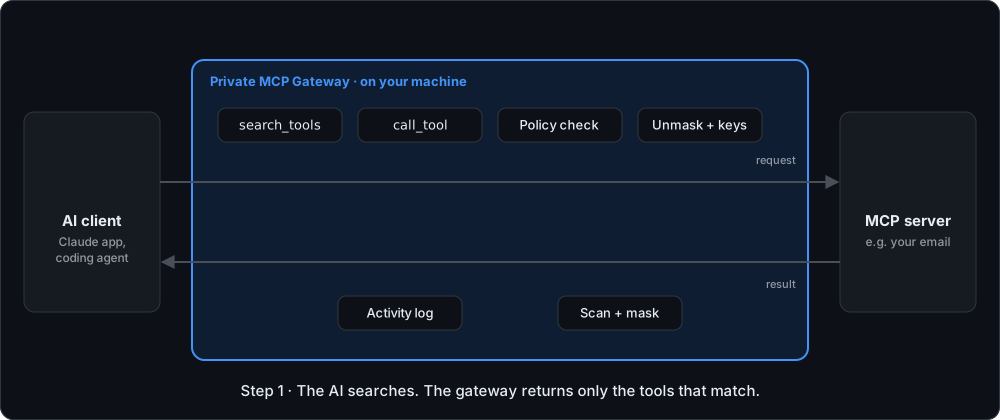
- Masks personal data. Emails, phone numbers and card numbers in tool results can be replaced with placeholders before a cloud AI reads them.
- Asks before risky actions. Calls that could delete data or send it out can wait for your OK.
- Shows only what's needed. The AI searches for the tools it needs instead of loading every tool from every server.
What it doesn't do
- It doesn't run AI models. You keep using Claude, LM Studio or your editor.
- It doesn't send anything to Baobab Tech. No account, no tracking.
- Masking lowers what an AI provider sees. It does not make data anonymous. See What masking does and doesn't do.
Next: Get started.